A tour of the UI
These are screenshots of the review UI after running the offline demo
(uv run opsmith demo). Everything in them is made up: the demo generates its own
payments-api repository, logs and metrics, and its own people (Demo Admin,
Riley Reviewer). No real system, credential or person appears.
To click through the same pages yourself:
uv run opsmith demo --dir ./opsmith-demo
OPSMITH_DATA_DIR=./opsmith-demo/data uv run opsmith api
# open http://127.0.0.1:8000/ui and sign in with the admin key the demo printed
Dashboard
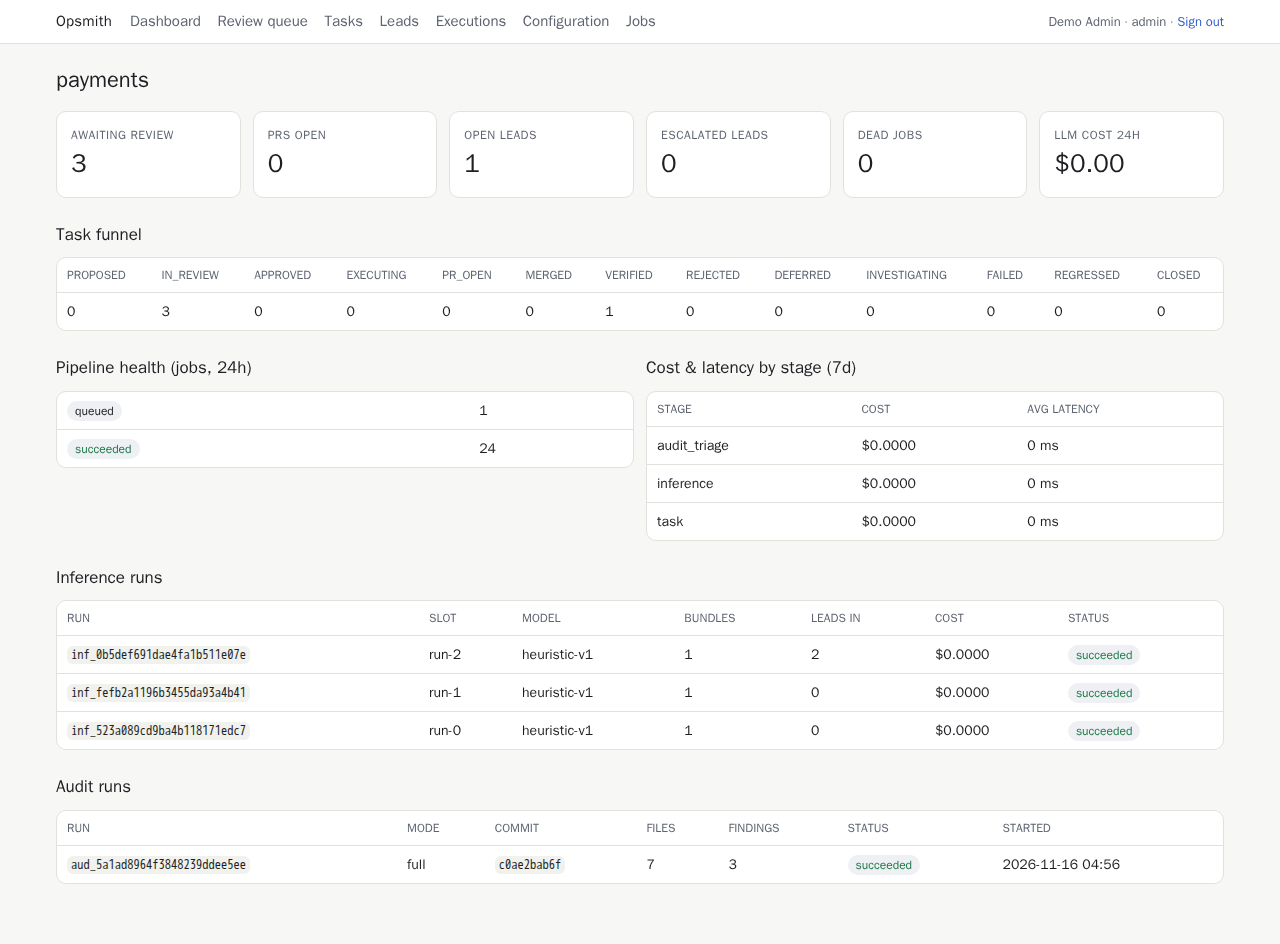
The state of one project at a glance: what is waiting for a person, the task funnel, pipeline health, cost per stage, and the latest analysis and audit runs.
Review queue
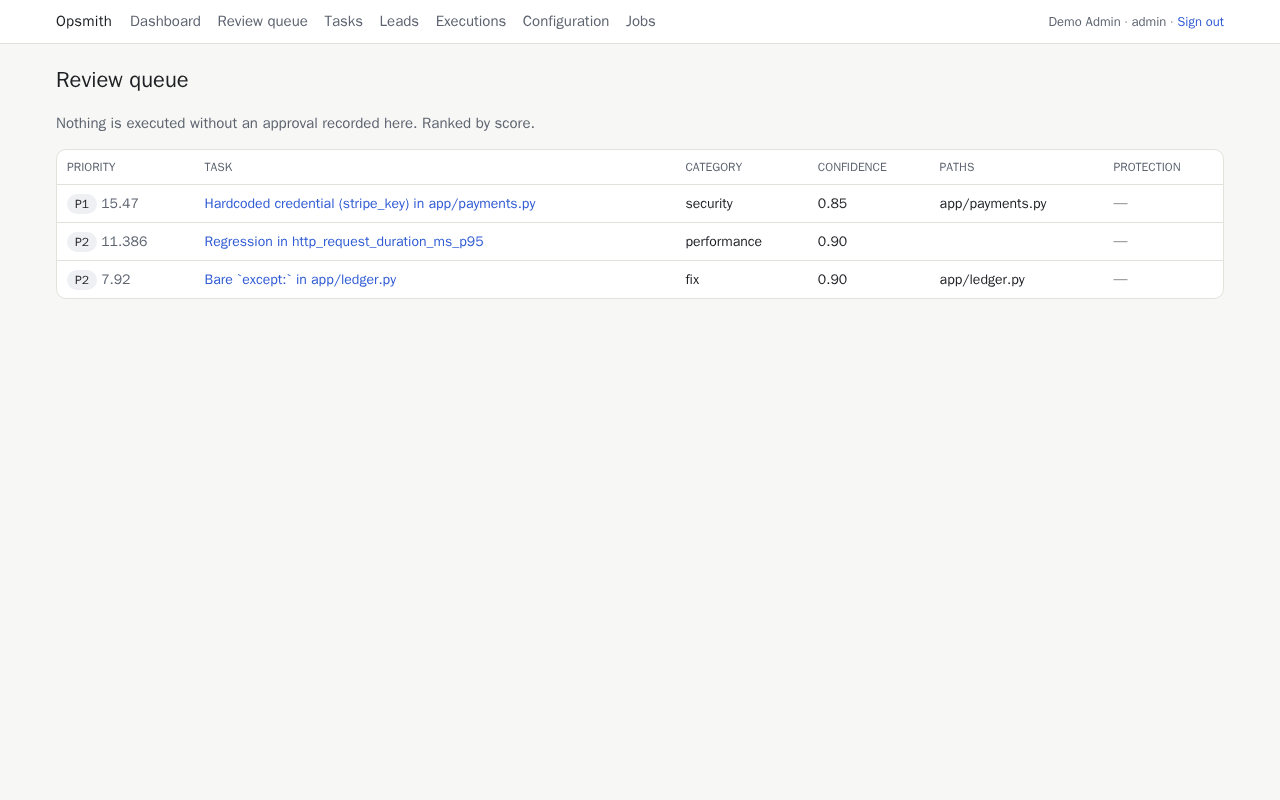
Tasks waiting for a human decision, highest score first. Nothing is executed until someone approves it here.
A task waiting for review
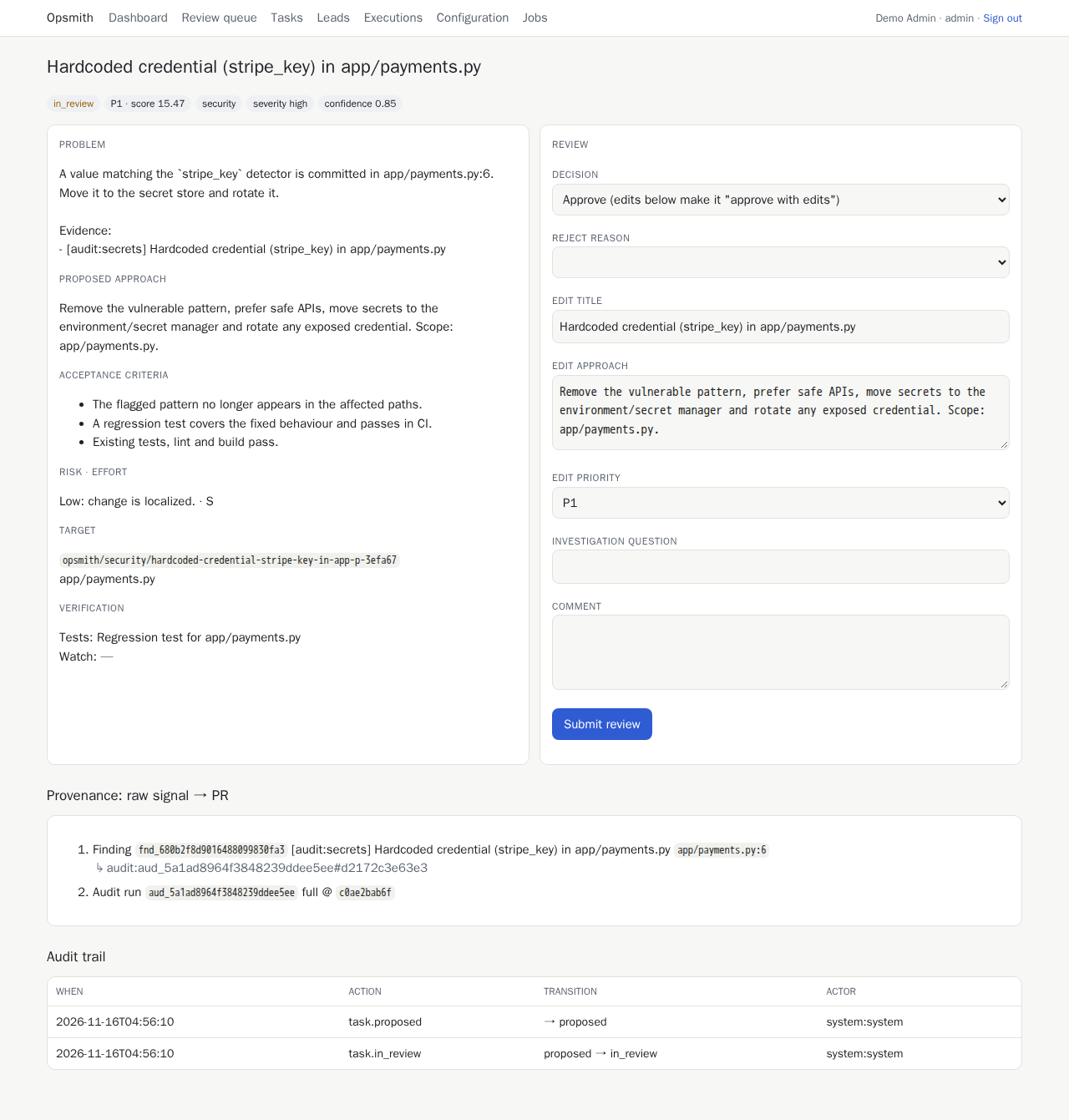
The problem, the proposed approach and the acceptance criteria on the left; the decision form on the right. A reviewer can approve, edit and approve, reject with a reason, defer, or ask for more investigation. Below is where the task came from.
A task that went all the way
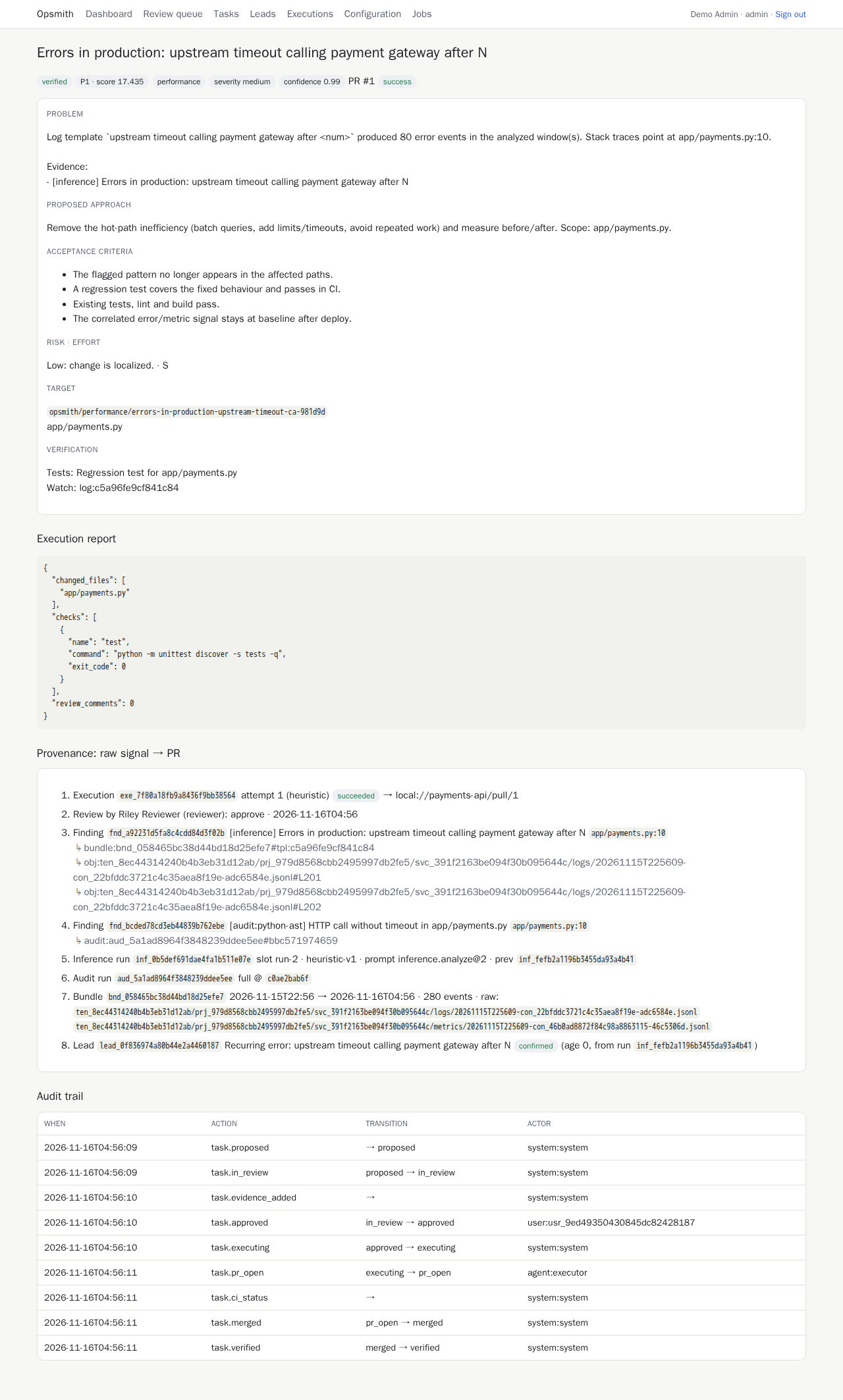
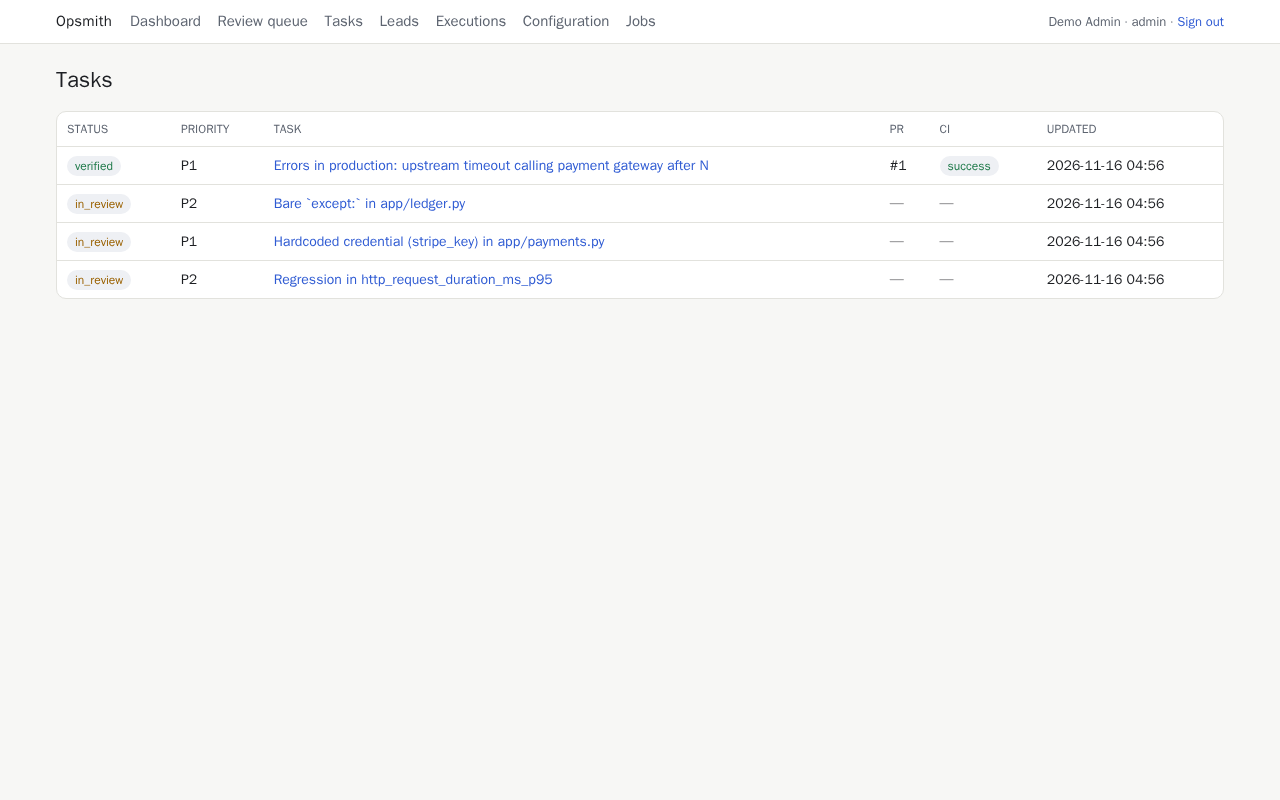
This task merged a runtime finding (80 timeout errors whose stack traces point at
app/payments.py:10) with a code finding (an HTTP call without a timeout on that line). It was
approved, fixed by the agent, opened as a pull request, merged by a human and then verified.
The provenance section traces it back step by step: execution, review, findings, analysis and audit runs, the bundle and its raw data, and the lead that started it. The audit trail lists every state change and who made it.
All tasks
Leads
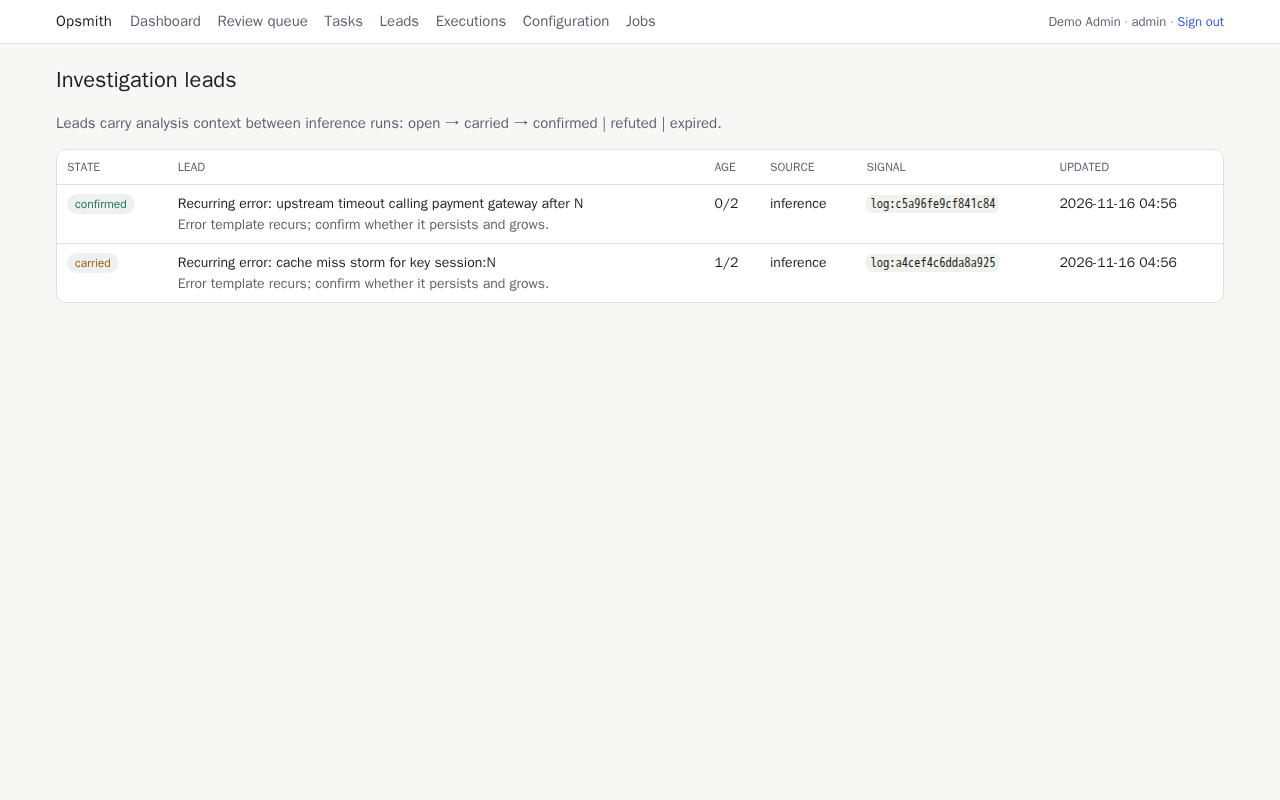
Open questions the analysis carries from one run to the next until the evidence confirms or refutes them.
Executions
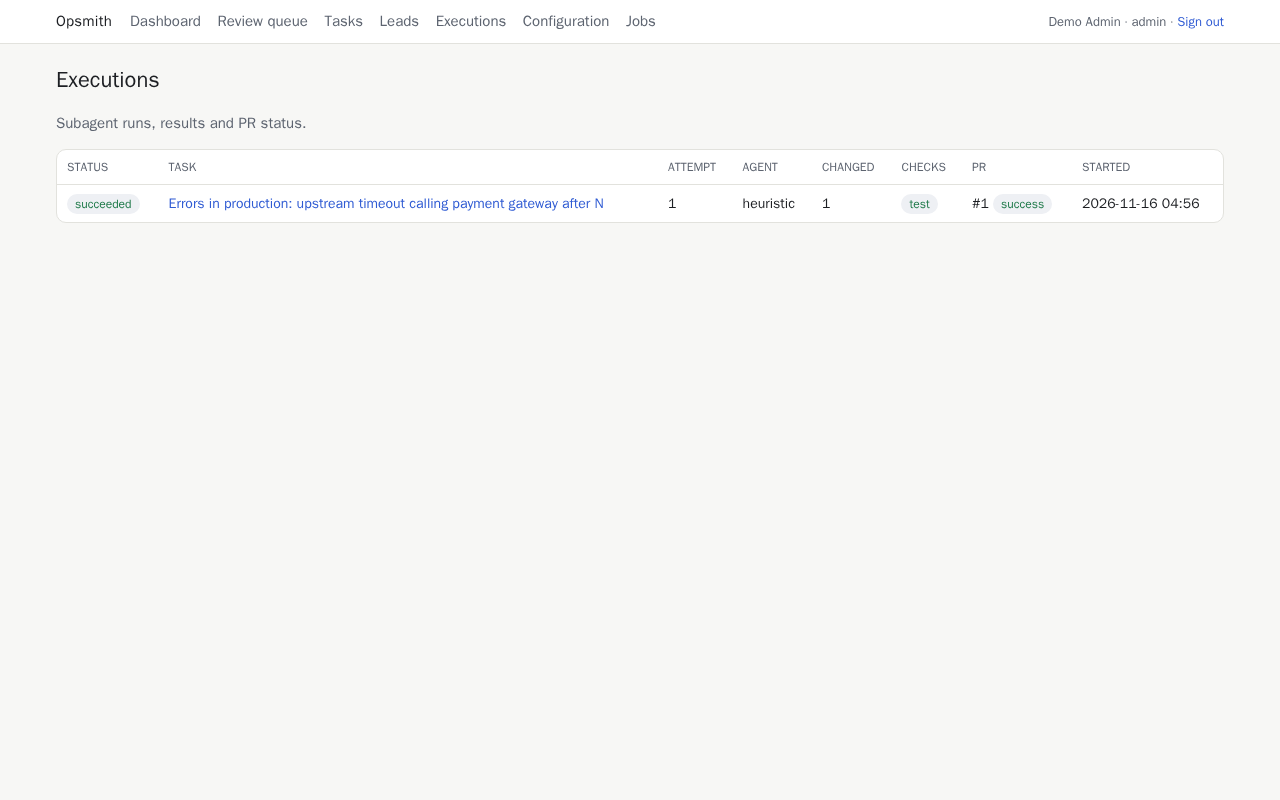
Each attempt to implement an approved task: the agent, the branch, the checks and the result.
Configuration
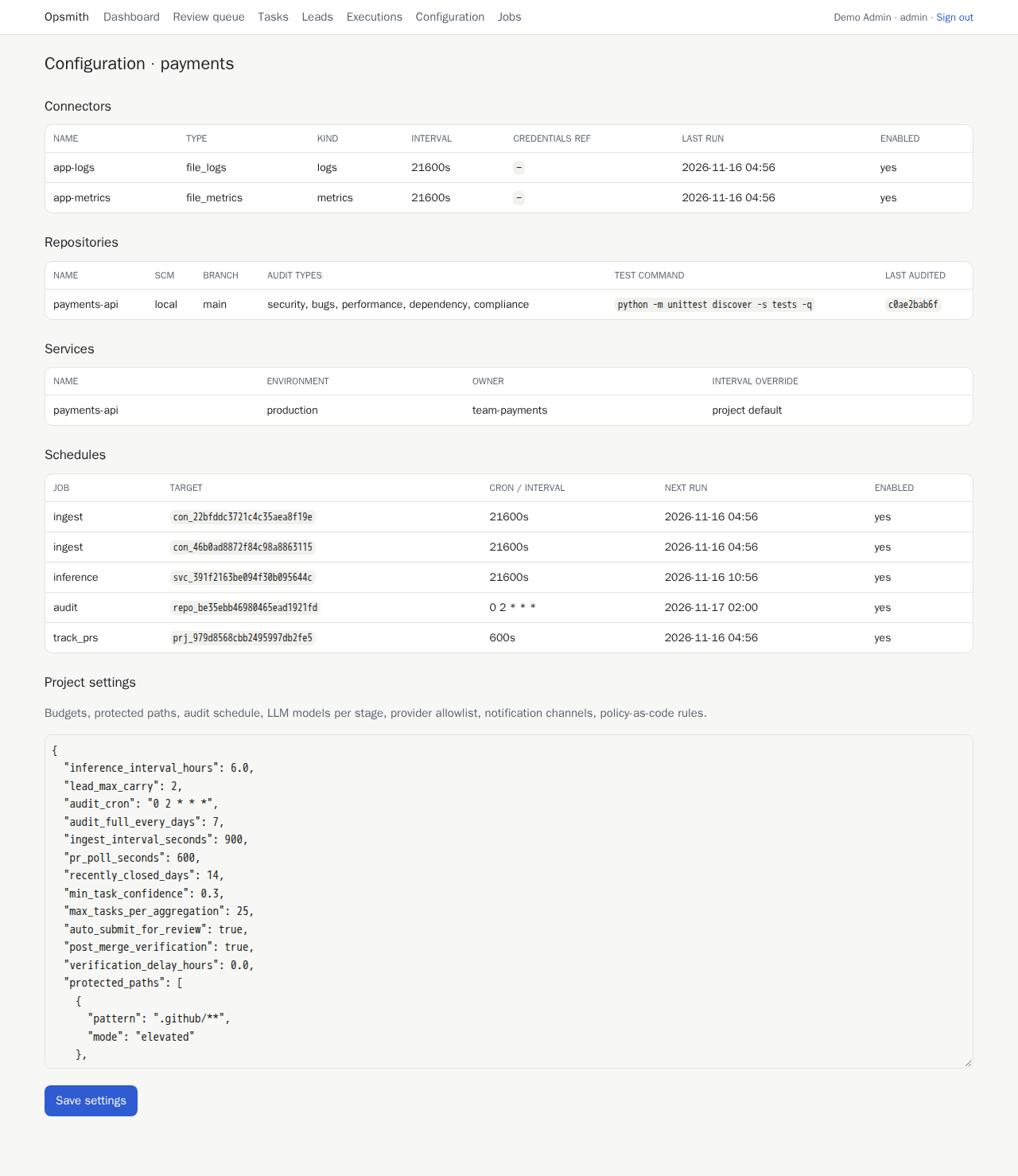
Connectors, repositories, services and schedules, and the project settings as JSON (editable by admins), including the project's checks.
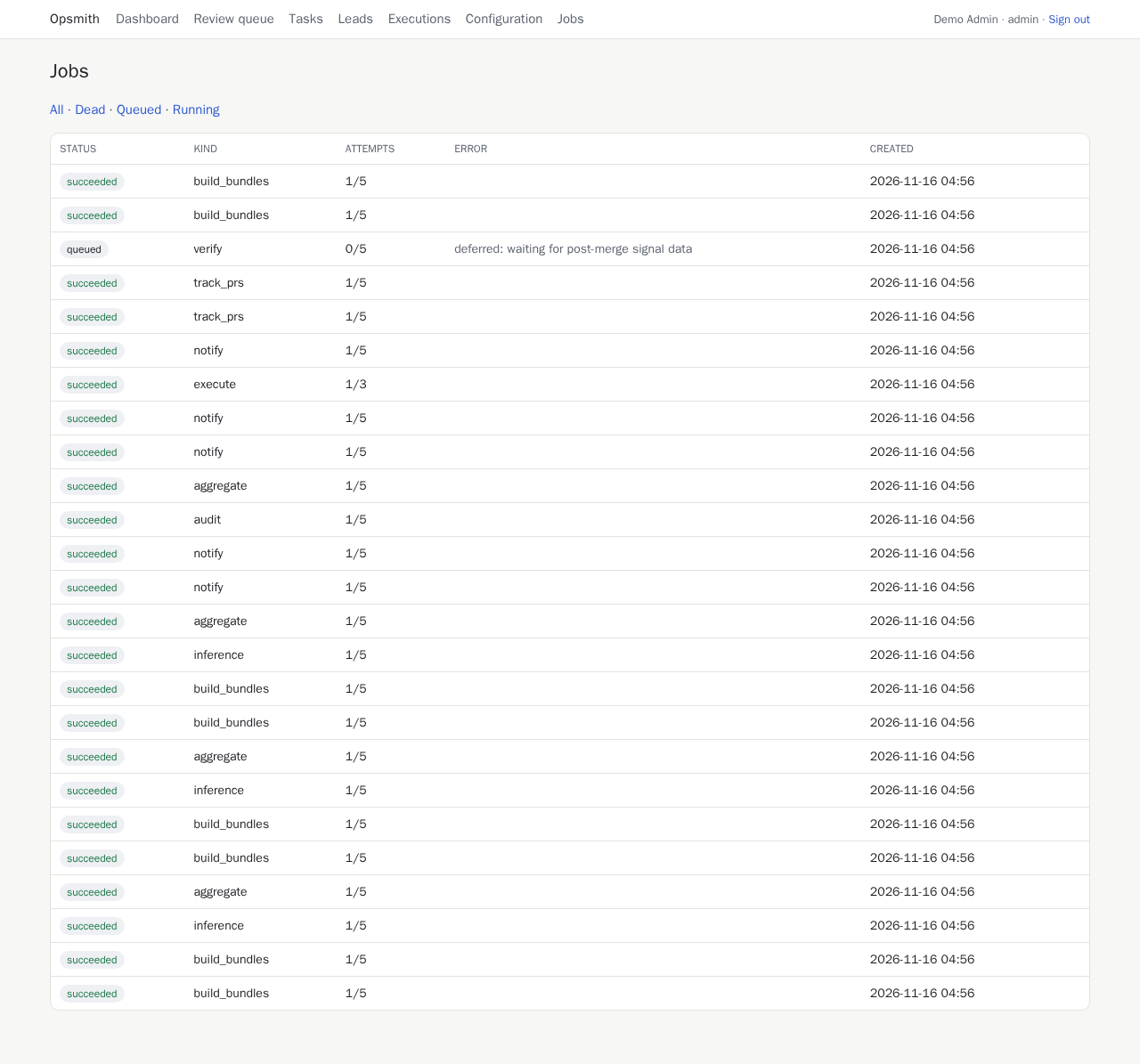
Jobs
Every pipeline stage is a queued job. Failed jobs are retried; ones that run out of attempts show up under Dead and can be retried by an admin.
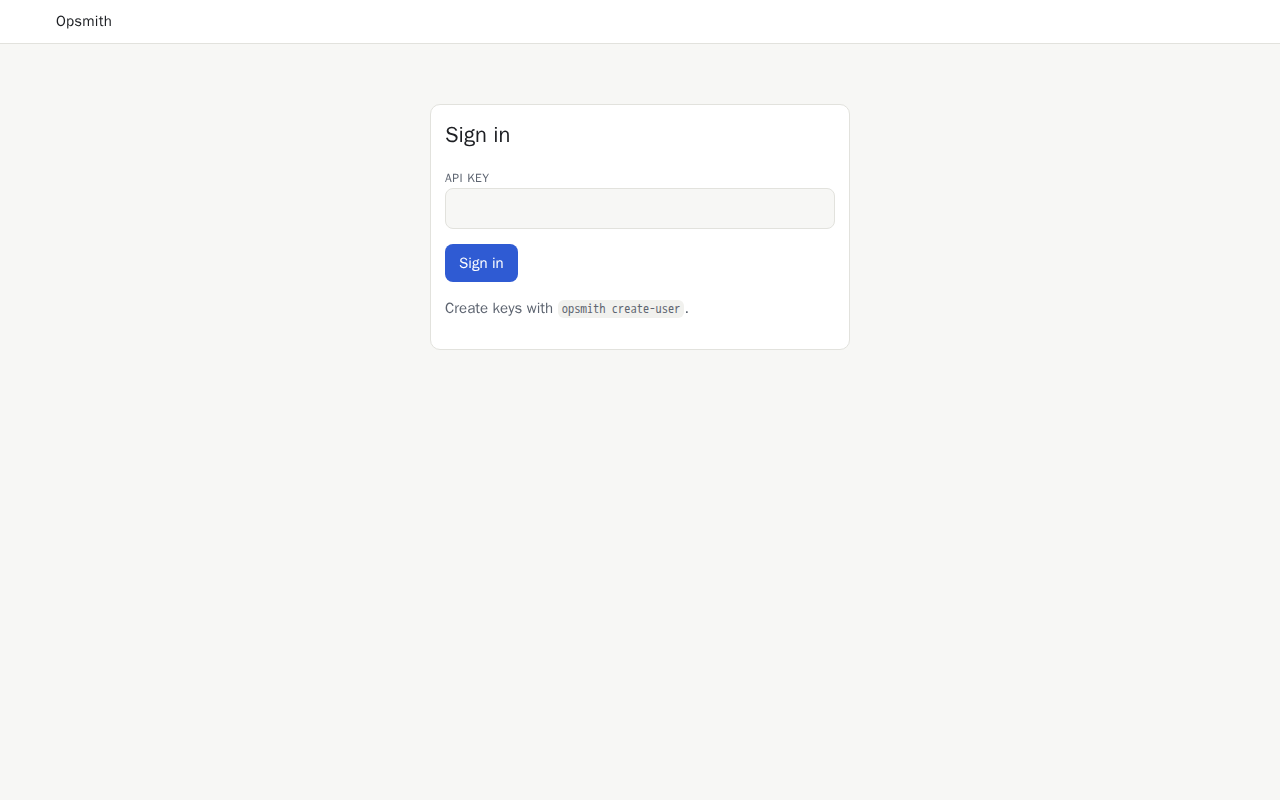
Sign in
The UI signs in with the same API key the REST API uses.
How the pictures and videos are made
The screenshots are generated by scripts/ui_screenshots.py,
which runs the demo, serves the UI and captures each page. Re-run it after changing a template:
uvx --from playwright playwright install chromium         # once
uv run --with playwright python scripts/ui_screenshots.py
The one-minute demo video (and the GIF in the README) is recorded by
scripts/demo_video.py. It holds the demo at its approval
step, approves the task through the review form in a real browser, and records the task
through to verified:
uvx --from playwright playwright install chromium         # once
uv run --with playwright --with imageio-ffmpeg python scripts/demo_video.py
The 30-second vertical reel (1080 x 1920, for phones and social media)
is rendered frame by frame from an HTML storyboard by
scripts/reel_video.py, using these screenshots and the
mascot. Every run gives the same video:
Both scripts record silent video. Both videos have an original instrumental track, composed
and synthesized by scripts/soundtrack.py (no voice, nothing
licensed), so run it after recording either one: