Repository About text
Copy-paste text for the repository's About section on GitHub. To set it, open the repository page, click the gear icon next to About, and paste each block into its field.
Description
Turns production logs, metrics and code audits into ranked engineering tasks. After a human approves one, a sandboxed agent opens the pull request. Self-hosted, never merges, works with any model.
Website
The documentation site, published from main by .github/workflows/docs.yml:
Topics
Paste the whole line; GitHub splits it on spaces.
devops sre observability aiops llm ai-agents code-review human-in-the-loop self-hosted pull-requests log-analysis prometheus loki victorialogs security-audit static-analysis ollama python fastapi
Social preview
The image GitHub shows when the repository is linked or listed:
docs/images/brand/social-preview.png (1280 x 640).
GitHub has no API for it. Open Settings, scroll to Social preview, click Edit,
upload the file and save.
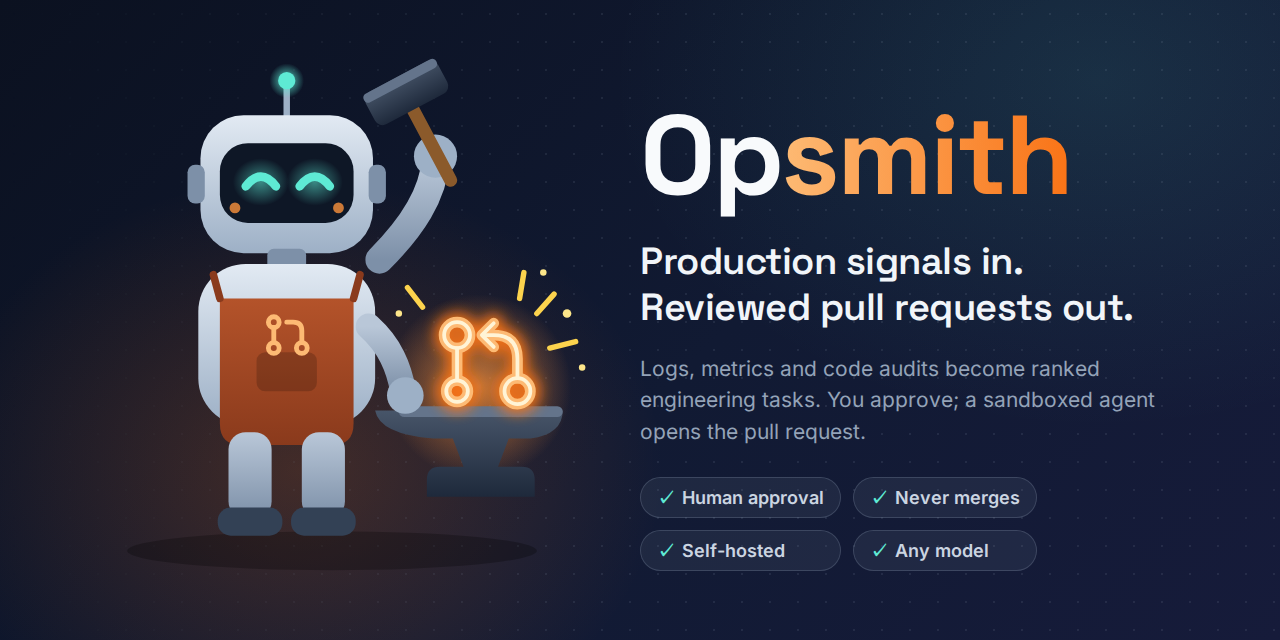
The mascot is Smithy, a robot blacksmith forging a pull request. Its source is
mascot.svg, and the banner is
social-preview.html. To change the banner, edit the
HTML and render it at 1280 x 640, for example with Playwright:

uvx --from playwright playwright install chromium   # once
uvx --from playwright python -c "
from pathlib import Path; from playwright.sync_api import sync_playwright
with sync_playwright() as p:
    b = p.chromium.launch(); pg = b.new_page(viewport={'width': 1280, 'height': 640})
    pg.goto(Path('docs/images/brand/social-preview.html').resolve().as_uri())
    pg.wait_for_load_state('networkidle'); pg.screenshot(path='docs/images/brand/social-preview.png')
"
Keeping it true
The description repeats the promises the README makes. If one of them changes (for example the set of supported model providers), update this page and the About section together.